Black boxes aren't redaction: how to redact a PDF properly
Drawing a rectangle over text leaves it copyable. Here's how destructive redaction works and how to check yours.
· 6 min read
Quick answer
What is true PDF redaction?
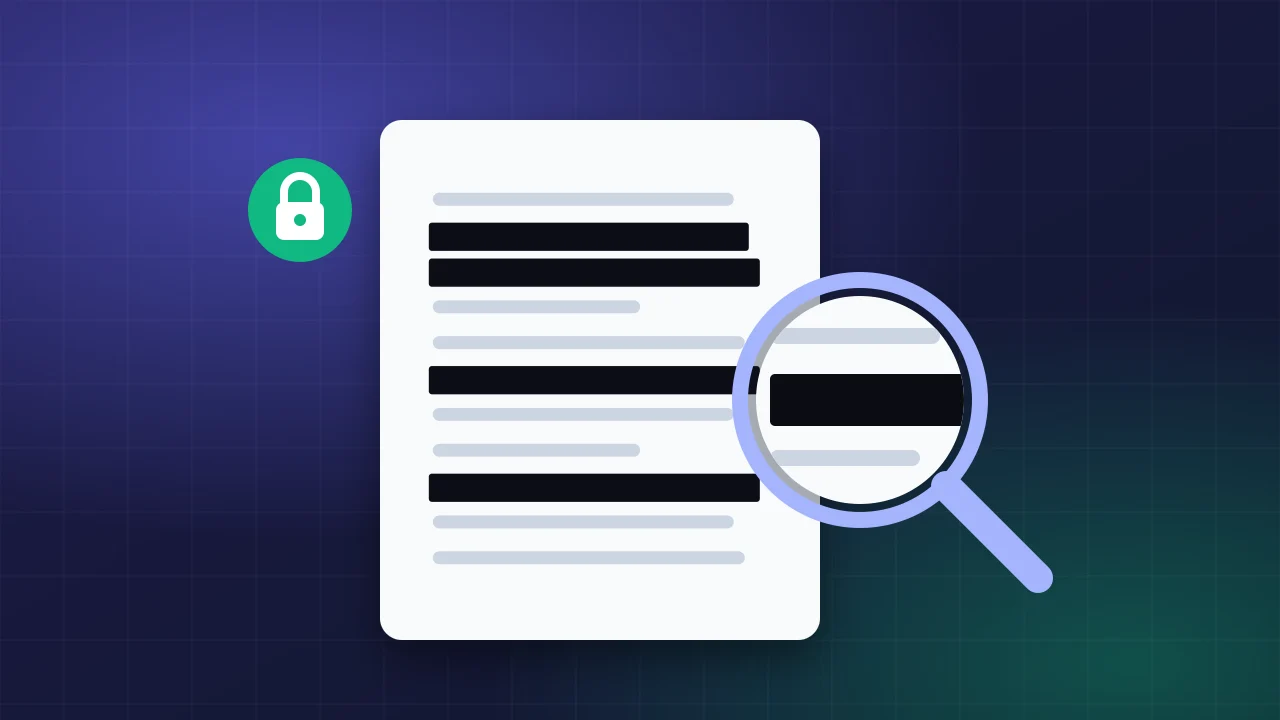
True redaction removes the hidden content from the file itself, not just from view. A black rectangle drawn over text leaves the words selectable and searchable. Real redaction flattens each page to pixels with the boxes burned in and rebuilds the PDF, so the original text no longer exists.
Every few months a court filing, a government report or a company document makes the news because its "redactions" can be copied and pasted. Someone drew black boxes over the sensitive parts in a PDF editor, and the text underneath was still there. If you're about to share a document with blacked-out parts, here's how to make sure the information is really gone.
Why a black rectangle isn't redaction
A PDF page is built in layers. Text is stored as characters with positions; shapes are drawn on top. When you add a black rectangle, you add one more shape. The characters below are untouched. Select across the box, press copy, and paste into a text editor: the "hidden" words appear. Search engines and screen readers can read them too.
The same applies to highlighting text in black, setting the text colour to black on a black background, or covering it with an image.
What real redaction does
Proper redaction removes the content from the file. There are two ways to do that:
- Object removal. Professional tools delete the text, images and vector paths under each box. It keeps the rest searchable but is easy to get subtly wrong (form fields, annotations, metadata, hidden layers).
- Flattening. Every page is turned into a picture with the boxes burned into its pixels, and a new PDF is built from those pictures. Nothing from the original survives. The trade-off is that the result is no longer searchable.
The OfflineFileLab redactor uses flattening at 200 or 300 DPI. It also drops the original metadata, so the author's name, the editing software and timestamps go too.
Black out text; blur faces
Pixelating or blurring looks neat, but blurred text can sometimes be reconstructed, especially short strings like account numbers, because there are only so many characters that blur into a given pattern. Use solid black for any text. Blur and pixelation are fine for faces, licence plates and backgrounds in photos.
How to check your redaction
- Open the exported file and try to select text inside a redacted area. Nothing should highlight.
- Use your viewer's search for a word you redacted. It should find nothing.
- Check the document properties: author and software fields should be empty.
- Remember the parts you didn't redact: page headers, file names and email signatures leak information too.
Sending a copy of your ID?
If a bank or landlord needs a copy of your passport, don't send a bare scan. Use the ID / KYC Watermark tab in the same tool to stamp "For [company] account verification only" and today's date across the whole image. If that copy leaks, it's far harder to reuse for fraud.